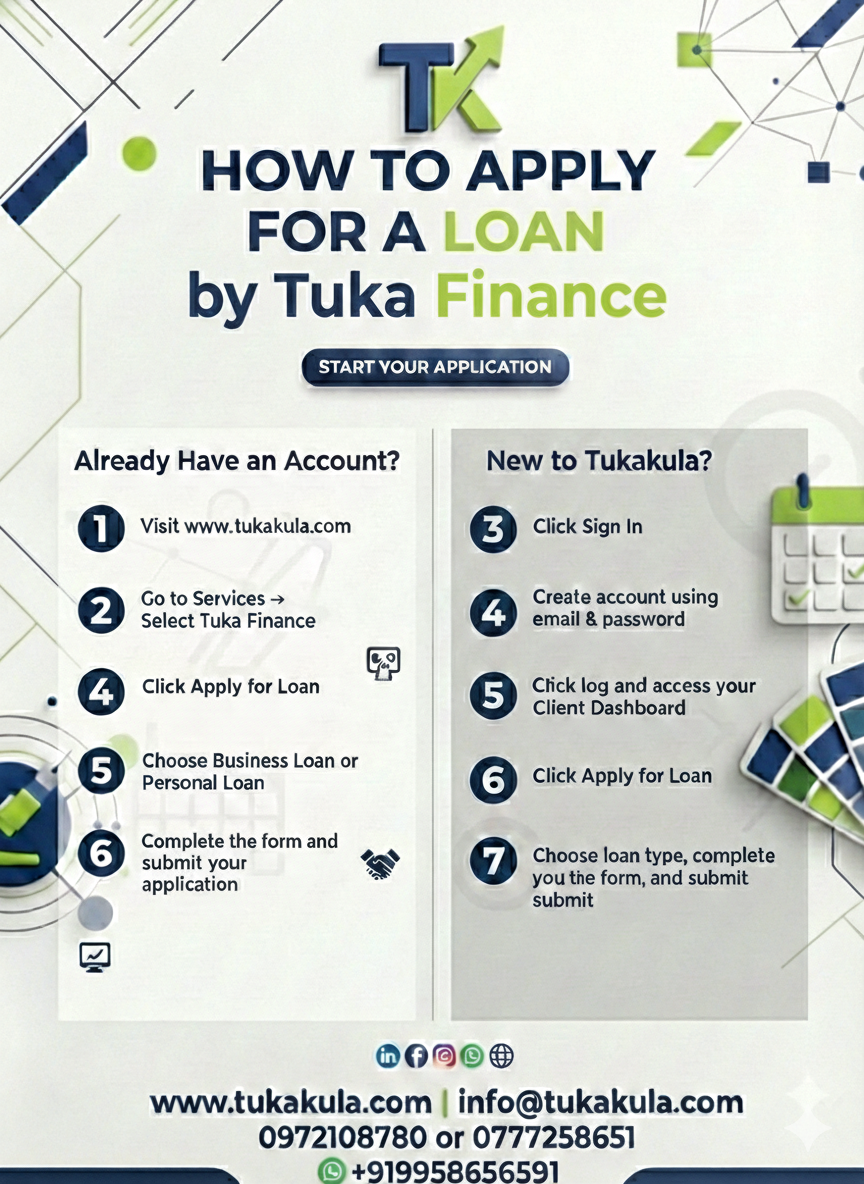
How to Apply for a Loan at Tukakula: A Step-by-Step Guide
Accessing finance should be simple, transparent, and convenient. At Tukakula, we’ve designed our loan application process to be fully online and easy to complete whether you’re applying for a business loan or a personal loan.
Here’s a simple guide to help you get started.
Step 1: Visit the Tukakula Website
- Start by visiting www.tukakula.com using your phone or computer.
Step 2: Navigate to Tuka Finance
On the homepage,
- go to the Services menu and select Tuka Finance.
- Once on the Tuka Finance page, click on Apply for Loan.
Step 3: Choose Your Loan Type
You will be prompted to select the type of loan you want:
- Business Loan
- Personal Loan
- Select the option that best suits your needs to proceed.
Step 4: Create an Account or Log In
If you do not already have a Tukakula account, you will be redirected to create one.
Simply enter:
- Your email address
- A password of your choice
- Confirm your password
- If you already have an account, just log in.
Step 5: Access Your Client Dashboard
After logging in or creating an account, you will be taken to your Client Dashboard. This is where you can manage your applications and track progress.
Step 6: Apply for the Loan
- From the dashboard:
- Click Apply for Loan
- Fill in the required loan application form
- Review your details and submit
Step 7: Submit and Wait for Review
Once submitted, your application will be reviewed by the Tukakula team. You will be contacted with updates or next steps.
Why Choose Tukakula?
- Simple online application
- Business and personal loan options
- Secure client dashboard
- Transparent and structured process
Discussion
Thank you for sharing
Please Login to comment.